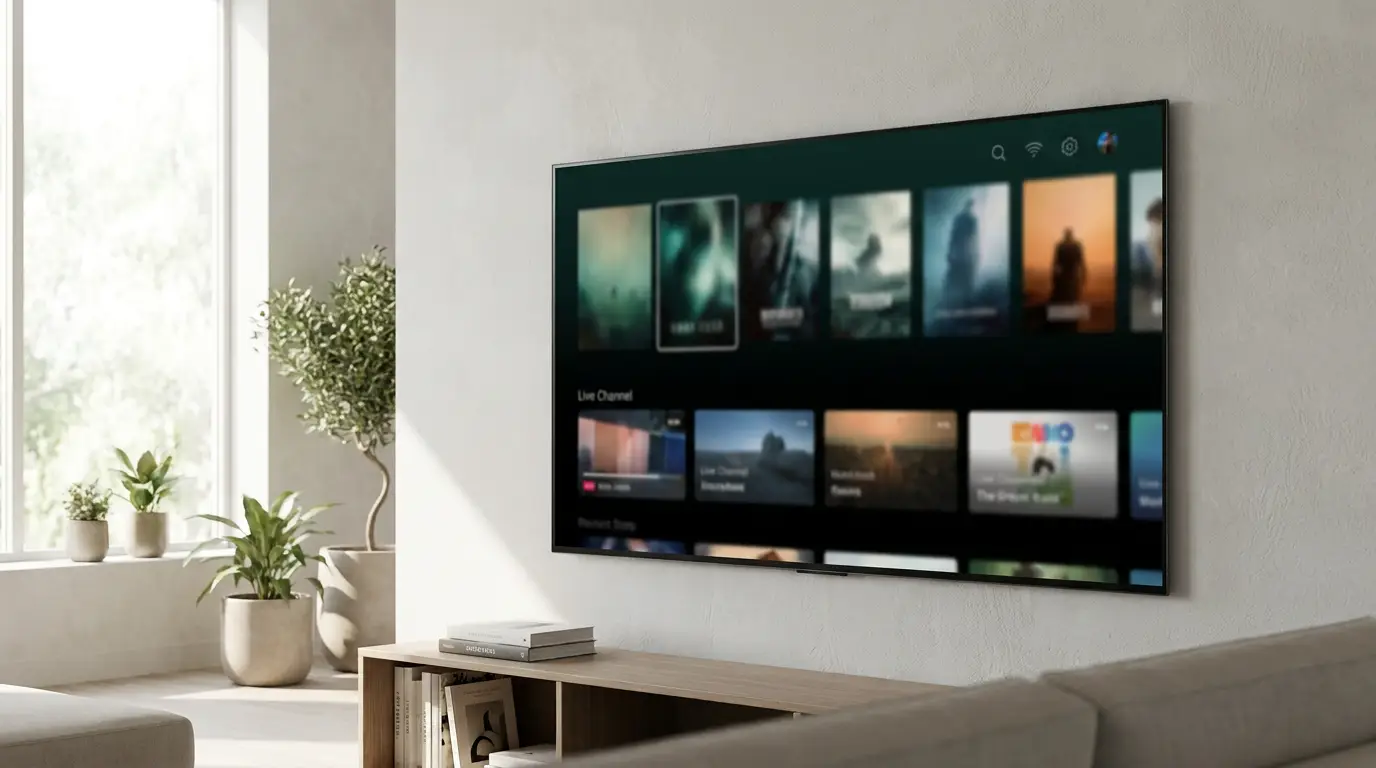
Best IPTV Player for Samsung TV (2026): The Complete Setup Guide

Already have an IPTV subscription — an M3U link or an Xtream Codes login from your provider? Your Samsung Smart TV can play it beautifully, with no extra streaming box. This guide explains what an IPTV player actually is, how to choose a good one, how to install and set it up on Tizen, the settings that stop buffering, and the most common problems (and fixes).
- What an IPTV player is — and what it isn’t
- What to look for in a Samsung TV IPTV player
- How to install an IPTV player on your Samsung Smart TV
- How to add your playlist (M3U and Xtream Codes)
- Best playback settings to stop buffering on Samsung
- Omni Prime on Samsung TV
- Samsung IPTV players compared (2026)
- Troubleshooting common Samsung IPTV problems
What an IPTV player is — and what it isn’t
An IPTV player is a media app, much like VLC but built for live TV. It reads a playlist you provide and plays it on a nice, TV-friendly interface with categories, an electronic program guide (EPG), favourites and search.
Just as importantly, a player does not include, sell or host any channels, movies or streams. You bring your own playlist — an M3U/M3U8 URL or an Xtream Codes login — from a provider you already subscribe to. The app is the screen; the content is yours. That distinction matters for App Store rules and for choosing a tool you can trust.
What to look for in a Samsung TV IPTV player
Not every player runs well on Samsung’s Tizen OS. Look for these:
- Native Tizen app — installs from the TV itself, no sideloading or developer mode.
- M3U and Xtream Codes support, so any provider format works.
- Fast catalog loading — big playlists (10,000+ channels) should open without freezing the TV.
- Hardware decoding for TS / HLS / H.264 / HEVC so HD and 4K play smoothly.
- EPG (TV guide), favourites and continue-watching.
- Clean remote-first UI designed for a D-pad, not a mouse.
How to install an IPTV player on your Samsung Smart TV
- Press the Home button on your Samsung remote and open Apps (the Smart Hub store).
- Use the search icon and type the player’s name.
- Select it and choose Install, then Open.
- On first launch, go to Add Playlist to enter your subscription (next section).
💡 Tizen apps update themselves — you rarely need to reinstall. If an app isn’t in your country’s store, most good players also offer an in-app Add Playlist form that needs no store account at all.
How to add your playlist (M3U and Xtream Codes)
M3U / M3U8 link: choose Add Playlist → M3U URL, paste the full http(s)://…/get.php?username=… link your provider gave you, name it, and save.
Xtream Codes: choose Xtream Codes and enter the Server URL, username and password. This format loads categories and EPG most cleanly.
🔧 Common gotcha: if your link is written as https://host:80 or https://host:8080, the https is usually wrong — a non-443 port is almost always plain http. Change it to http:// and it will connect. A good player fixes this automatically.
Best playback settings to stop buffering on Samsung
- Connection: wired Ethernet is best; on Wi-Fi use the 5 GHz band and sit near the router.
- Provider connection limit: most subscriptions allow only one stream at a time (
max_connections: 1). Playing on two devices at once causes drop-outs — close the other device. - Nearest server: if your provider offers multiple servers, pick the one closest to you.
- Codec: HEVC/4K needs a TV that can hardware-decode it; on older Samsungs prefer H.264 streams if your provider offers both.
Omni Prime on Samsung TV
Omni Prime is a native Tizen IPTV player built for exactly this. It supports M3U and Xtream Codes, hardware-decodes TS/HLS/HEVC, loads very large playlists without freezing, and adds favourites, continue-watching and search. It automatically corrects the https-on-wrong-port issue above, so lists that fail elsewhere just work.
There’s a 7-day free trial, and it’s the same app across Samsung, LG, Android TV, Apple TV and phones — add your playlist once, watch everywhere.
Samsung IPTV players compared (2026)
| Player | Tizen native | M3U | Xtream | EPG | Free trial |
|---|---|---|---|---|---|
| Omni Prime | Yes | Yes | Yes | Yes | 7 days |
| Smart IPTV | Yes | Yes | Partial | Yes | Trial |
| IPTV Smarters | Varies | Yes | Yes | Yes | Free |
| SS IPTV | Yes | Yes | No | Yes | Free |
Availability changes over time and by region; check your Samsung store. Choose whichever plays your playlist reliably and feels good on the remote.
Troubleshooting common Samsung IPTV problems
- Black screen, timer stuck at 00:00: usually a codec the TV can’t decode, or an
https-on-wrong-port URL. Try an H.264 stream and switch the link tohttp://. - “Could not load playlist”: the URL isn’t a real M3U/Xtream link (an email or plain text won’t work). Paste the exact
get.phplink from your provider. - Constant buffering: another device is using your one allowed connection, or your Wi-Fi is weak. Close other devices; go wired if you can.
- No TV guide: your provider must supply an EPG/XMLTV URL, or use the Xtream Codes login which carries EPG automatically.